Cheat Menu Enabled
Today, while playtesting, it became obvious why developers put in debug mode and cheats. Needed the game to unfold faster to test out mechanics beyond unit testing.
Cheat menu enabled. And I wanted it wired into a testing scenario concept I was toying with as well.
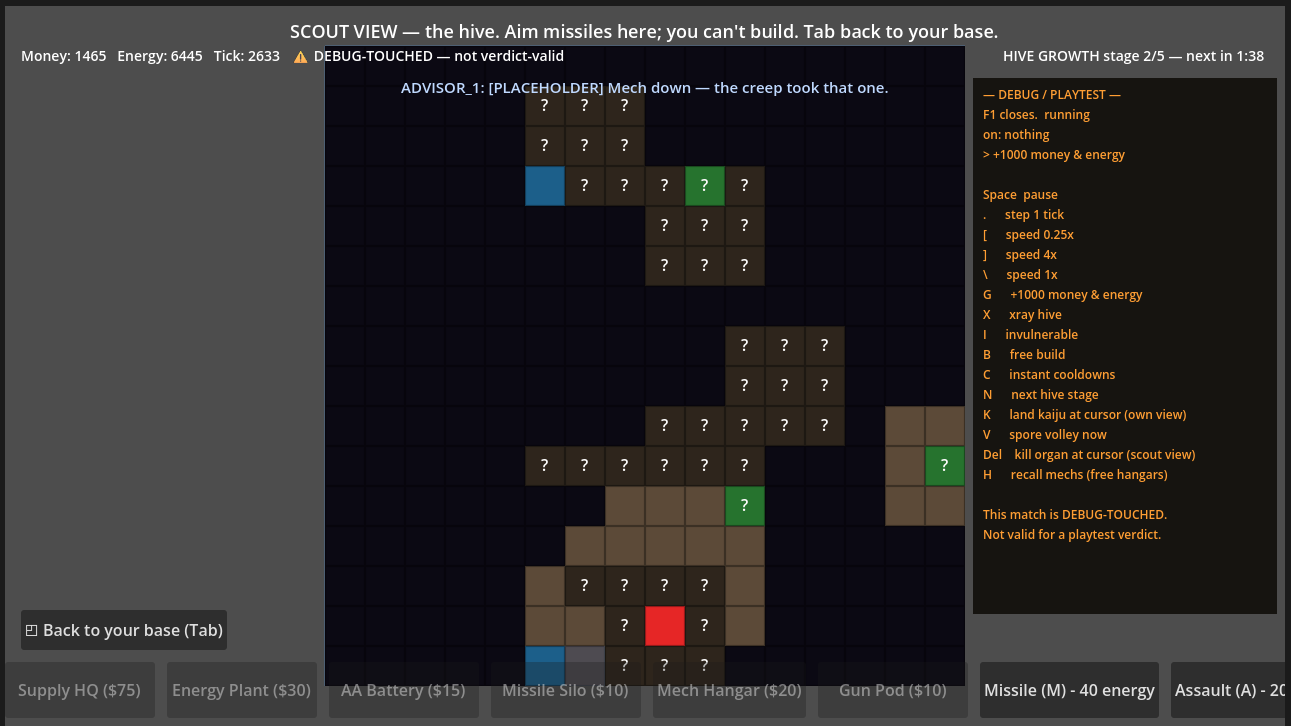
One good thing that was reinforced today is the presentation layer and sim being separate, which gives me more flexibility in how I present information to the player. This is cool because it gives freedom to animate what I want without having to worry about changing the underlying mechanics. Might seem obvious to a seasoned game dev, but for someone a few months in, it was a trap I almost fell into early. Having the ‘feel’ dictate the ‘flow’.
I also added some debugging tools. The controls can pause the game, step through individual ticks, and speed up or slow down time as needed. I think this is where my work life is bleeding into my hobbies.
An interesting side project today was to make sure that playtesting is more reproducible. I want to be able to go back to previous versions of the game and test them out again if something breaks. To do this, I’m making sure that any debug flags or cheat codes are stored in a way that they won’t interfere with normal gameplay. And they can be configured for use in playtest simulations - sort of the main step in making sure the scenarios can work the way I want them to.
Part of the reason behind that is that I wanted to get averages on numbers before I playtested myself. That way I can spot anything just obviously wrong before wasting time booting up a new game.
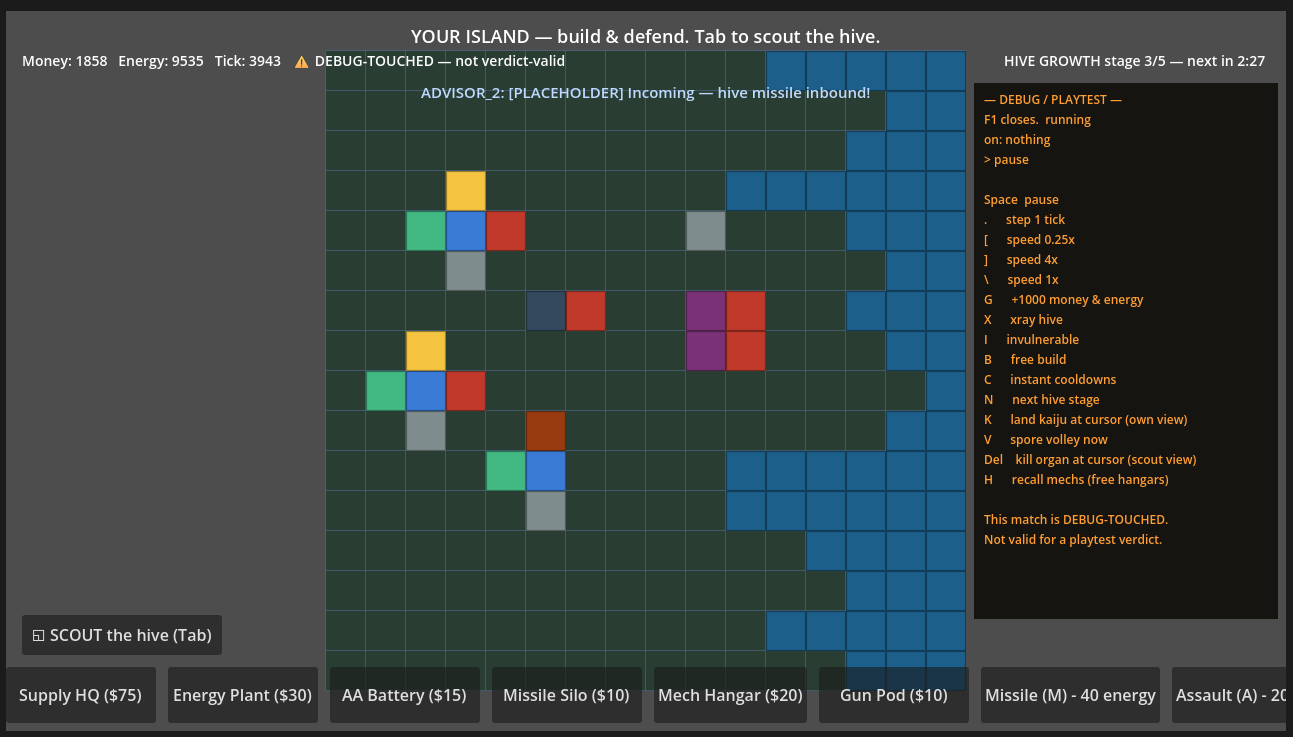
Today I built some things to cut down the time lost having to spin up an instance and progress to 5 mins into the game just to see how things pan out in certain situations. A bit of a sidetrack, but I think the ROI on this pays out fast.